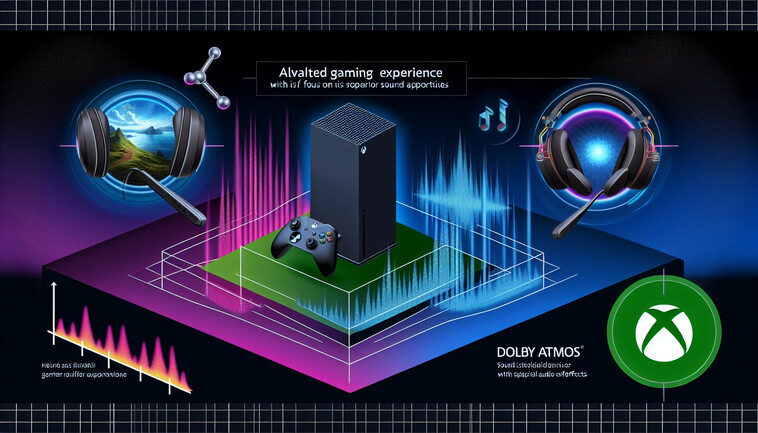
Elevate Your Gaming Experience: A Guide to Dolby Atmos on Xbox Series X
The Xbox Series X is not just a visual marvel; its auditory capabilities significantly enhance the gaming experience. With support for Dolby Atmos, the console promises a soundscape akin to being right in the heart of the action. But how does one navigate the intricate setup of this advanced audio system? Here’s a step-by-step guide that will take your gaming nights from ordinary to extraordinary.
First things first: understanding the magic of Dolby Atmos. As a revolutionary technology, it distinguishes itself from traditional surround sound by introducing height channels, adding a layer of dimensionality that makes sound truly engulf you. Imagine playing a high-stakes game and hearing a helicopter swirl above while gunfire erupts from all sides. Quite a transformation, isn’t it?
To get started, ensure your Xbox Series X is updated and ready for configuration. The device should have the latest firmware to support newer features. Jump into the ‘Settings’ menu, navigate to ‘General,’ and then to ‘Volume & audio output.’ Here, you’ll find the option to select Dolby Atmos. If it’s your first time, you might be prompted to download the Dolby Access app—a necessary step to access Atmos on Xbox.
Next, if you’re setting up a home theater system, connect your Xbox Series X to your AV receiver via HDMI. Do check that your receiver supports Dolby Atmos, or the soundbar if you’re opting for something more compact. For the optimal experience, ensure all speakers are adequately placed, ideally in a 5.1.2 or 7.1.2 configuration to leverage the Atmos effects. The subwoofer placement should accentuate the depth of sound without overwhelming other speakers.
For those who prefer a personal sound experience, headphones are the way to go. With Dolby Atmos for headphones, you don’t need special equipment—just any stereo headset that plugs into the Xbox controller. Within the Dolby Access app, you might find a one-time purchase option to keep the Atmos license for headphones, which enhances spatial sound for gaming sessions intensely immersive.
While setting up hardware is crucial, don’t overlook in-game settings. Some games are specifically optimized for Atmos and have their own additional settings to adjust. Take the time to explore their audio options, calibrating for the best balance and ensuring no sound effect goes unnoticed. Games like ‘Call of Duty’ and ‘Forza Horizon’ are great titles to test the capability of your system.
In conclusion, unlocking Dolby Atmos on your Xbox Series X is more than a technical upgrade; it’s an evolution of your gaming experience. Whether you’re an avid gamer or a casual player, the enveloping sound environment provides a deeper emotional connection to your gameplay. So, take your time with the setup, fine-tune the acoustics, and immerse yourself in worlds where sound makes every virtual step and breath count.

Related Posts